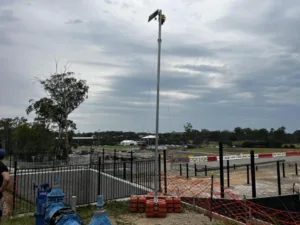
Construction progress reporting becomes easier when your team has a consistent visual record of the site. Photographs taken manually can vary in position, timing and image quality, which makes it difficult to compare one stage of work with another.
We use fixed time lapse cameras to photograph construction projects from the same position throughout the build. Your team can view the images remotely, compare selected dates and use approved photographs in project updates.
Sydney builders and project managers can use our construction time lapse camera hire in Sydney to create a continuous visual record while accessing current and historical images throughout the project.
TLDR
A construction time lapse camera captures scheduled photographs from a fixed position. These images create a consistent visual record that can support progress reports, milestone reviews and stakeholder communication.
With an On Time Lapse system, your project team can:
- Review recent construction images remotely
- Compare progress between selected dates
- Download high-resolution photographs
- Create short progress videos
- Access images through an online dashboard
- Maintain local and online copies of project photographs
Time lapse images support your existing reporting process. Formal inspections and contractual documentation should continue according to the requirements of your project.
Why Consistent Construction Progress Photos Matter
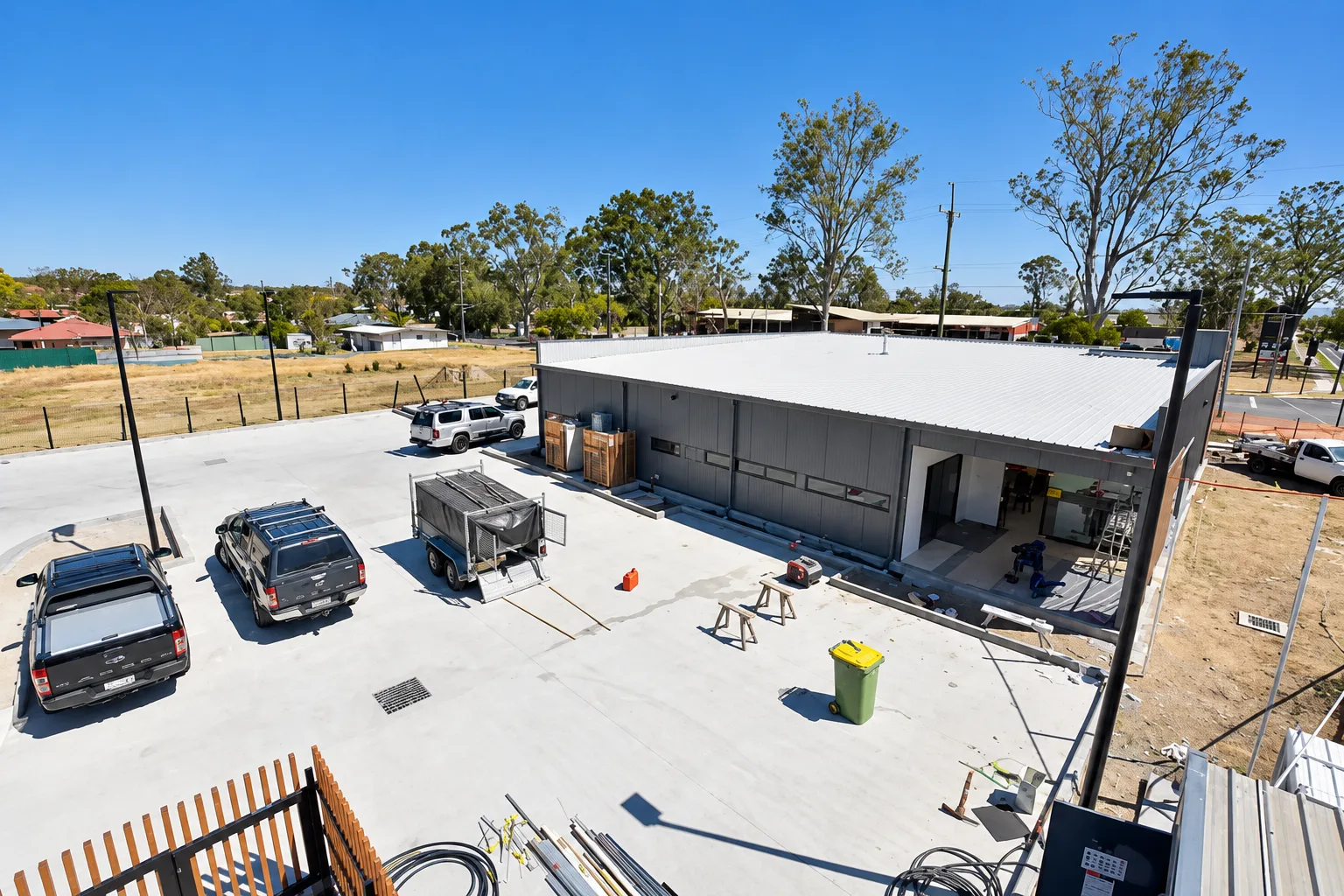
Construction teams often use photographs to record completed work and communicate progress. Problems can arise when different people capture images from different positions.
A photograph taken from ground level one week may be difficult to compare with an image captured from a rooftop the following week. Changes in framing can make genuine progress harder to identify.
Project images can also become scattered across phones, email threads and messaging platforms. Finding the correct photograph for a report may then take longer than expected.
A fixed time lapse camera records the site from one consistent position. Scheduled capture creates a chronological visual record that can be reviewed throughout the project.
The camera also reduces reliance on someone remembering to take photographs at regular intervals. It continues recording according to the configured schedule.
Using Time Lapse Images for Construction Progress Reports
A time lapse sequence consists of individual photographs captured at scheduled intervals. Each photograph becomes another point in the visual history of the project.
We configure the image schedule according to the activity and duration of the build. A ten-minute interval is commonly used for normal construction activity. Faster capture can be scheduled for important stages such as a concrete pour.
Available intervals and any additional cost depend on the camera system and project plan. Slower stages of a multi-year development may not need the same frequency as a short period of intensive work.
We can also configure the schedule around working hours so the project record contains less inactive footage.
Because the camera remains in a fixed position, your team can see how the same area changes over time. Foundations appear, structures rise and external works develop within a consistent frame.
Our guide to time lapse settings for construction projects explains how capture intervals can be adjusted according to the activity being recorded.
Reviewing Sydney Construction Progress Remotely
Project managers cannot always be onsite when an update is required. Teams may also oversee several projects across different locations.
Our time lapse systems can upload images through the Telstra 4G network. Authorised users can then review recent photographs through the online dashboard.
This gives your team a current visual reference between scheduled site visits. It can also assist with meeting preparation by showing how the visible work has changed since the previous review.
Remote images do not replace a formal site inspection. They provide additional visual information that helps your team understand general site progress.
Through our live construction progress dashboard, authorised users can review recent images, compare selected dates and follow visible changes without waiting for photographs to be sent from the site.
The dashboard works across common desktop and mobile devices, giving project teams access from the office or while travelling between sites.
Comparing Different Stages of Construction
Progress can be difficult to identify when people rely on memory or photographs taken from different angles.
A fixed camera makes comparisons clearer because each image shows the site from the same position. Your team can select photographs from different dates and review them side by side.
A comparison might show the site at the beginning of a reporting period and again at the end. It could also compare an early construction stage with the current position of the project.
These comparisons can support internal discussions and milestone reviews. They provide a direct visual reference that complements written reporting.
A consistent camera position is particularly useful here. If the viewpoint changes between photographs, differences in angle can make the scale of progress harder to judge.
Preparing Visual Progress Updates for Stakeholders
Stakeholders often need a clear overview of progress without reviewing every technical detail from the site.
Time lapse images can communicate visible changes in a format that is easy to understand. Your team can select photographs for reports, presentations and approved project updates.
A short sequence can show how the project developed across a reporting period. This may assist clients, investors and internal teams that are not onsite each day.
We provide access to high-resolution images so authorised users can select material from the project history. The same visual record can support several communication requirements during the build.
Project teams should apply their normal approval process before distributing images publicly. Construction photographs may contain workers, equipment or information that needs to remain private.
Adding Weather Context to Construction Reports
Weather can affect construction activity and site access. Our platform can display weather information alongside images captured at the project location.
This gives your team additional context when reviewing a selected date. You can view the site image and associated weather information within the project history.
Weather information may help explain visible conditions during a reporting period. It should be treated as supporting context rather than the only evidence used for a formal contractual claim.
Project teams should continue following their agreed procedures for recording delays and weather-related impacts.
Creating Time Lapse Progress Videos During Construction
A final time lapse video shows how a project developed from early work through to completion. You can also use the captured material while construction is underway.
Recent images can be compiled into shorter progress videos. These videos condense activity across a selected period into a format that can be reviewed quickly.
A progress video may support a project meeting or approved client update. It can also provide marketing material once the project team has permission to share the footage.
Our automated time lapse video generator converts recent project images into short videos that can support meetings and approved stakeholder updates.
The available video schedule depends on the project plan and selected service.
Protecting Your Construction Image Archive
A long-term construction time lapse can contain thousands of photographs. Losing part of that record could create noticeable gaps in the finished sequence.
We use local and online storage to protect captured images. The exact process depends on the camera generation used for the project.
Some systems retain images on the camera’s storage before copying them to an onboard solid-state drive. Generation II systems can save images directly to the onboard SSD.
Captured photographs are then uploaded to the project portal and transferred to cloud storage. This provides remote access while maintaining additional copies of the images.
If the mobile connection becomes temporarily unavailable, the system can retain photographs locally. Stored images can upload after connectivity returns.
Our systems also perform scheduled checks for photographs that have not uploaded correctly. Missing files can then be transferred and placed in the correct position within the project history.
Reliable reporting depends on the camera, local storage and upload process working together. Our guide to construction time lapse camera systems explains how our equipment records long-term projects.
Progress Reporting for Sydney Construction Sites
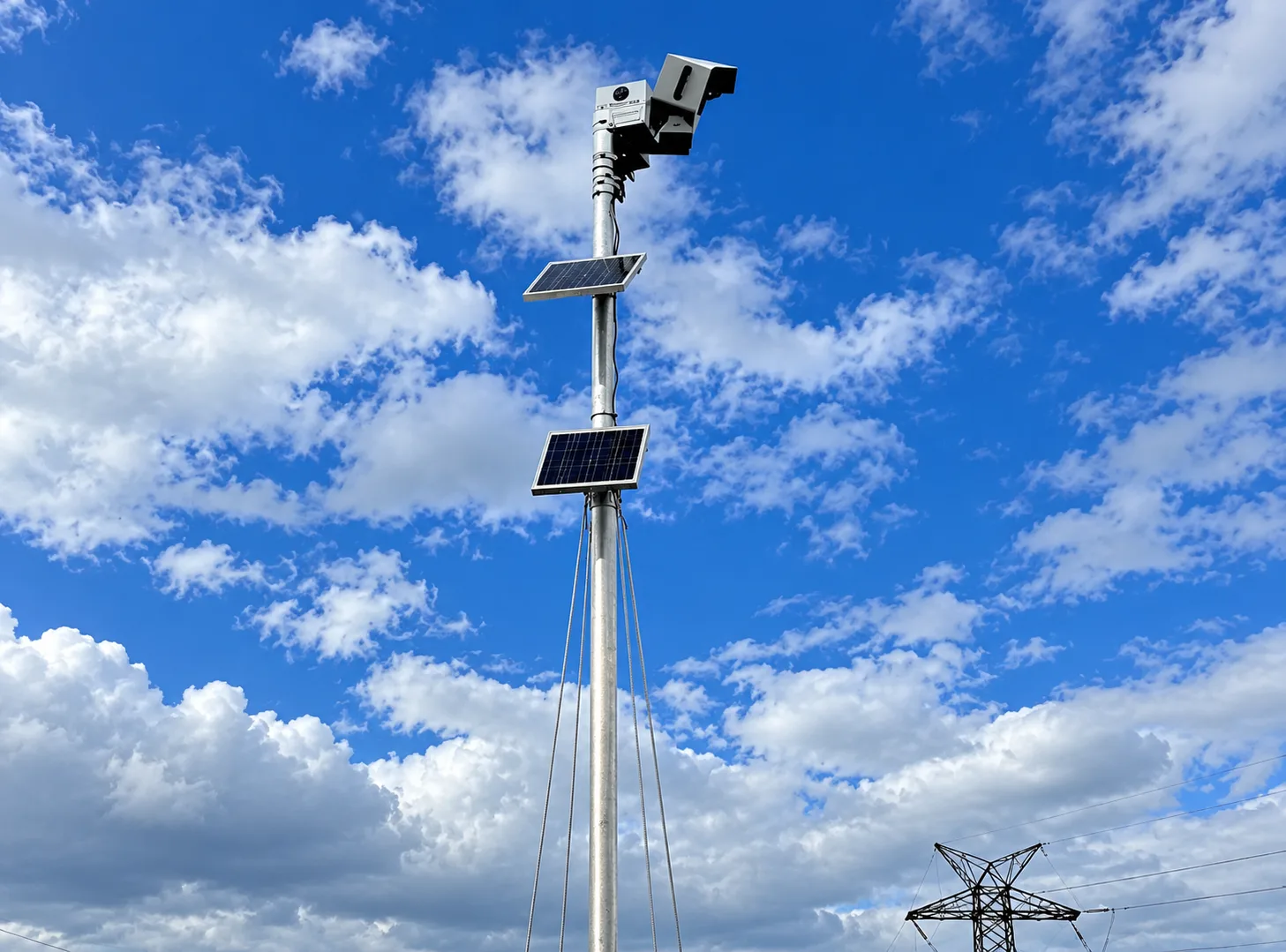
Sydney construction projects can involve restricted access, neighbouring buildings and teams working across several locations. A fixed time lapse camera gives authorised users a consistent view of the site between formal inspections and scheduled meetings.
The camera position is selected to capture the required work area while accounting for future construction. New buildings and temporary site structures can affect the view, so positioning should be planned before major work begins.
A suitable mounting point and reliable mobile connection are also important. Solar-powered systems can operate before permanent site electricity becomes available.
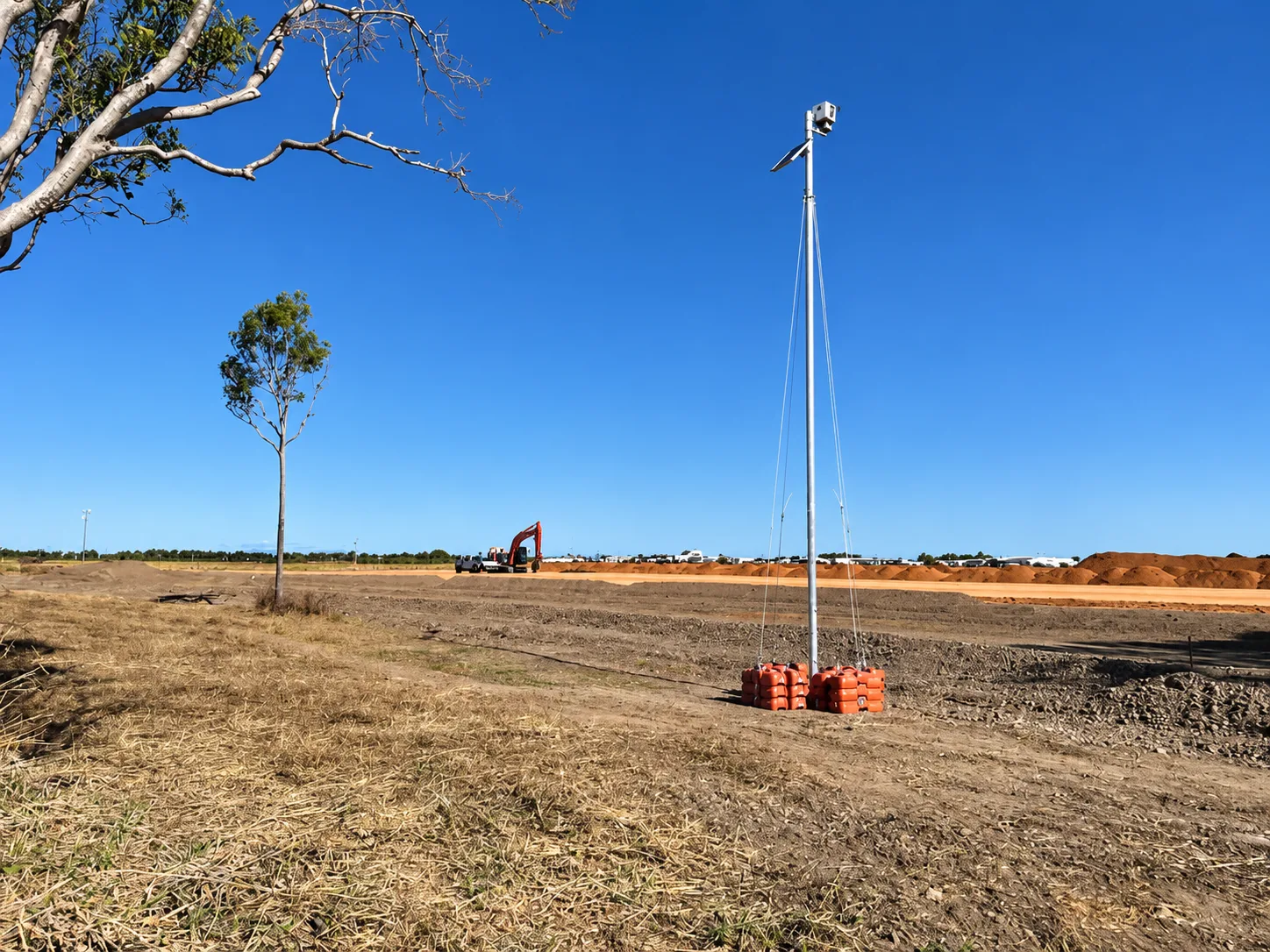
The camera position determines how useful its progress images will be. Our time lapse camera installation options include clamp-based mounts, weighted modular bases and dedicated pole systems for different site conditions.
We provide professional installation and DIY options for projects across Sydney and New South Wales.
How to Use Time Lapse Images in a Progress Report
Every image included in a progress report should have a clear purpose. Adding photographs without context can make the document longer without making the information clearer.
Select images that demonstrate a specific stage, milestone or visible change. Include the capture date and a short caption explaining what the reader is seeing.
For a periodic report, you may include a photograph from the start of the reporting period and another from the end. The fixed camera angle makes the comparison easier to understand.
A useful caption could read:
View from the fixed project camera showing structural progress between 4 August and 1 September 2026.
If weather information is relevant, identify it separately and follow your normal project reporting procedures.
High-resolution images may allow part of the frame to be enlarged for closer review. A cropped image should retain enough context for the reader to identify its location within the wider site.
Short progress videos can also be included in digital presentations or linked from an online report. Make sure the project team has approved the footage before sharing it outside the authorised group.
Choosing a Time Lapse Camera for Project Reporting
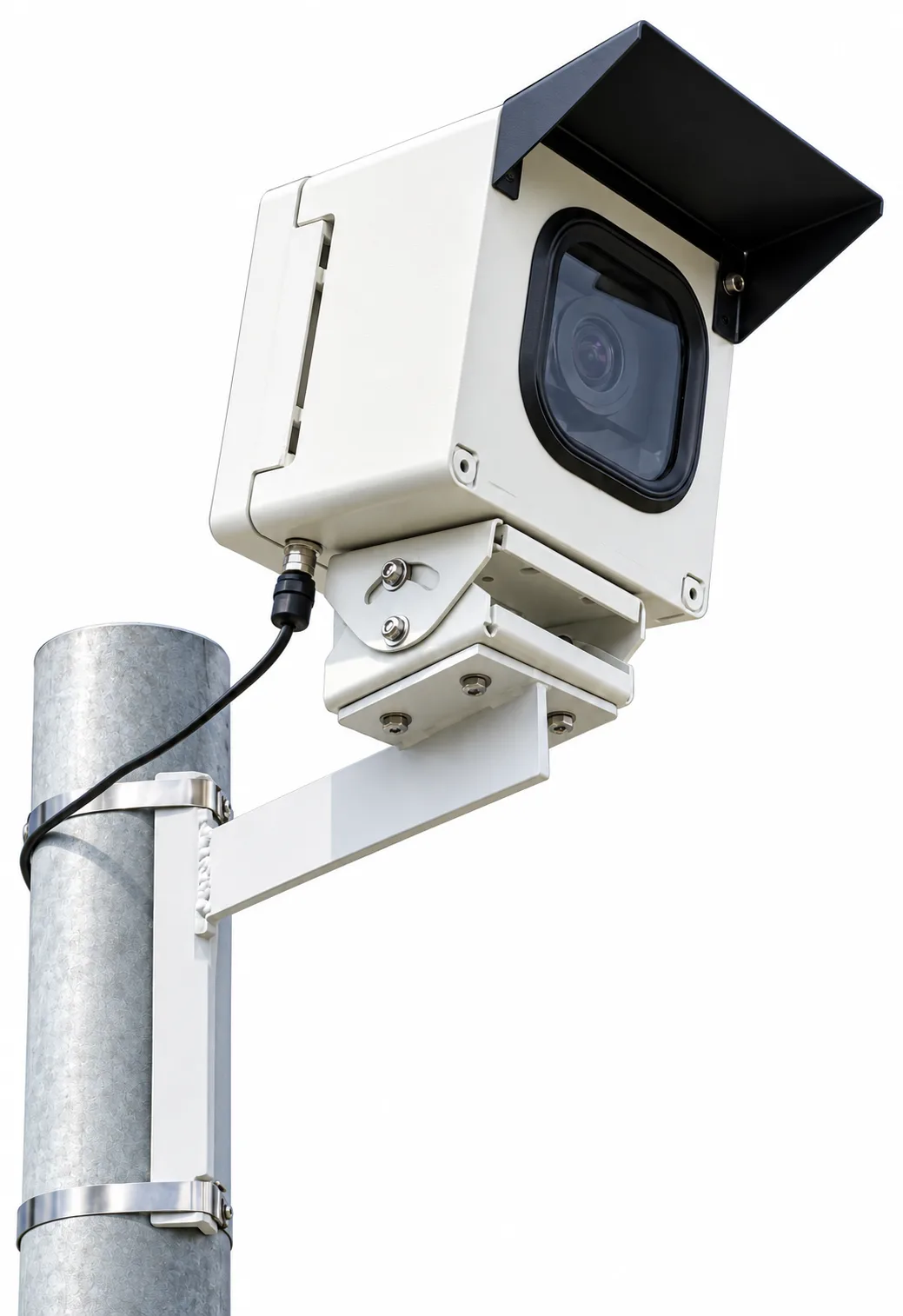
Image quality matters, although useful reporting also depends on access and storage.
When comparing construction time lapse systems, consider:
- How frequently the camera captures photographs
- How images are transmitted from the site
- What happens during a mobile network interruption
- Where captured photographs are stored
- How authorised users access the dashboard
- How images can be compared and downloaded
- What installation support is available
- How progress videos are produced
A system may create an attractive final video while providing limited value during construction if the project team cannot access its images easily.
Our construction time lapse camera hire systems combine scheduled photography with remote image access, local backup and cloud storage for long-term projects.
Frequently Asked Questions
Can Time Lapse Images Be Used in Construction Progress Reports?
Yes. Project teams can select photographs from different dates and include them in internal reports, presentations and stakeholder updates.
Images captured by a fixed camera provide a consistent visual reference throughout the project. Each photograph should include an accurate date and a caption explaining what it shows.
Time lapse images should complement the project’s established reporting and inspection processes.
How Often Does a Construction Time Lapse Camera Take a Photograph?
We commonly use a ten-minute interval for normal construction activity. Faster capture can be scheduled for important stages such as a concrete pour.
Available intervals and any additional cost depend on the camera system and project plan.
Can Project Managers View the Camera Remotely?
Yes. Authorised users can access uploaded images through the On Time Lapse dashboard.
Your team can review recent photographs, compare progress between selected dates and download approved images. Remote access is available through common desktop and mobile devices.
What Happens If the Mobile Connection Fails?
The camera can retain photographs locally during a temporary mobile network interruption. Stored images can upload after the connection returns.
The local storage method depends on the camera generation. Our systems also perform scheduled checks for files that have not uploaded correctly.
Can Progress Videos Be Created Before Construction Is Complete?
Yes. Images captured during the project can be compiled into short progress videos.
These videos can support meetings and approved project communications before the final completion video is produced. They provide a quick way to review visible progress across a selected period.
Does a Time Lapse Camera Replace a Site Inspection?
No. A time lapse camera provides visual documentation and remote access to project images.
Formal inspections and compliance checks should continue according to the project’s established procedures. Camera images provide additional context between those inspections.
Can Weather Information Be Included With Project Images?
Our platform can display weather information with images from the project location.
This provides useful context when reviewing site conditions on a selected date. Formal claims still require the evidence and records specified under the relevant contract.
Can Construction Photographs Remain Private?
Yes. Access to the project dashboard can be restricted to authorised users.
The project team should establish who can view, download and distribute the images. Public sharing should follow the client’s approval and privacy requirements.
How Long Can a Time Lapse Camera Remain Onsite?
Our systems are designed for long-term construction monitoring. The installation period depends on the project and selected camera system.
The camera position should account for future structures and other changes that could obstruct the view. Access for inspection or cleaning may also need to be considered on longer projects.
Does the Camera Need Site Power or Wi-Fi?
Outdoor systems can use solar power and a mobile data connection. This can remove the need for permanent site power or access to the site’s Wi-Fi network.
The power and connectivity requirements depend on the selected camera system and site conditions.
Improve Progress Reporting on Your Sydney Project
A fixed time lapse camera gives your team a consistent visual record from early work through to completion. You can review current images, compare different stages and prepare visual updates without relying only on occasional site photographs.
We provide DIY systems and professional installation for projects across Sydney and New South Wales.
Tell us about your project duration, site location and reporting requirements when you request a construction time lapse quote. You can also explore our Sydney construction time lapse camera services or call us on 0455 311 268.